FOR ELECTRICAL CREWS AND SOLO ELECTRICIANS
Electrician Software for Solo Electricians and Small Crews
Team US$49/mo flat for up to 10. Solo US$14.99/mo. Try Team free for 14 days, then Starter is free for one person. No card needed to start.
Handro keeps your estimates, job days and invoices in one place. Quote a panel upgrade, work the day from your phone, and get paid without a night of paperwork. A crew of up to 10 shares one flat price.
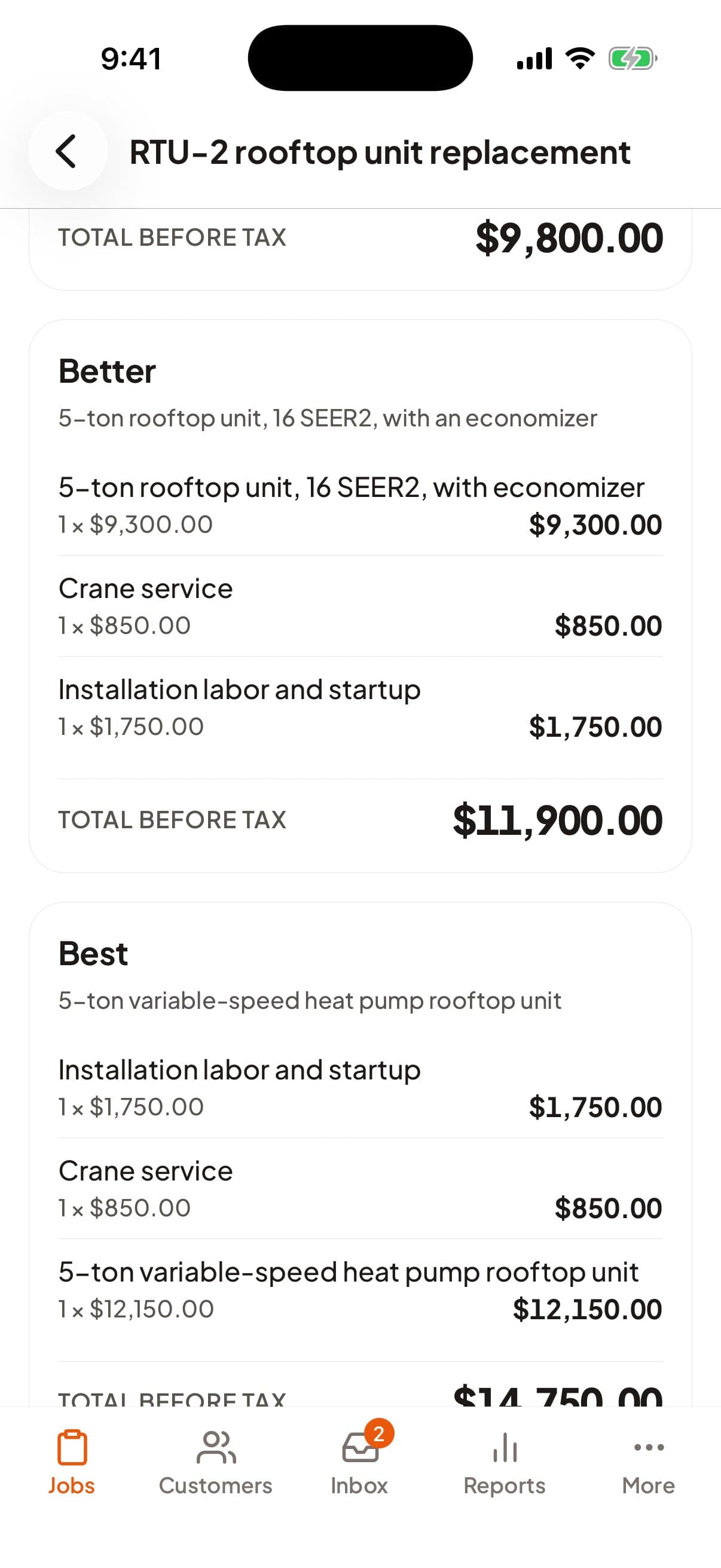
Quotes for panel upgrades and EV chargers
A panel upgrade or an EV charger install rarely has one right price. Build several options on one estimate, such as a breaker swap, a swap with surge protection, and the full upgrade, and the customer picks one on their phone and signs there. Add a deposit if parts need ordering; the customer can pay it by card once you've connected Stripe or Square. The approved job is created with the option they chose, ready to schedule. Our guide How to Write a Contractor Estimate covers line items and terms.
An electrician's day, start to finish
Say Tuesday has a ceiling fan swap, two GFCI installs and a panel check. Open Today, see the jobs in schedule order, and work down the list. On Solo and Team, route optimization suggests a shorter drive order for one person's day, from the shop and back, and you can use it or keep your own. A no-power callout is an ordinary job you add by hand, and if a customer moves one job, reschedule just that job. When the work is done, the invoice comes from that same job.
Checklists, photos and notes on the job
Handro offers two starter electrical checklists, a panel inspection and a device or fixture install, and you can edit them or build your own. The tech ticks items off on the phone with a photo or note per item. Photos are taken in the mobile app and show on the job. Customer notes are visible to your whole team, so "panel is behind the freezer" is there before the visit. You can also log equipment at a customer's property, such as a panel or generator, with its install date, warranty and service log.
Invoice by the job and get paid
Each job is invoiced with its labor and materials tagged and each line marked taxable or not. A permit fee goes on as its own line, so the customer sees what it covers. On the website, Handro can fill an empty price list with common electrical jobs and parts, names only, so you add your own prices. Card payments run through your own Stripe or Square account, with zero Handro markup. You still pay their standard rate, billed by them. Cash, check, Zelle and Venmo can be recorded by hand, and, on Solo and Team, invoices and payments sync to QuickBooks Online.
What electrical contractor software costs
Team is US$49 a month flat for up to 10 people, with every feature on every paid plan. Jobber Connect is US$199 a month for 5 people and Housecall Pro Essentials is US$189, billed monthly (their list prices, checked November 12, 2026). Solo is US$14.99 a month for one person. Try Team free for 14 days, then Starter stays free: one person, unlimited jobs. No card needed to start.
What Handro doesn't do for electricians
Handro doesn't track permits or inspection sign-offs, so keep those where you keep them now. It doesn't do load calculations or National Electrical Code lookups, and it doesn't pull a price list from a supplier's catalog; you enter your own parts and prices. Customers can send a request from your booking link but can't pick an open slot.
What to check before you switch off paper or a spreadsheet
Handro imports customers from a CSV file of up to 2,000 rows or, on Solo and Team, from QuickBooks Online. Old invoices and job history stay behind, and you can export your data at any time. Invoices are per job, with no combined monthly statement, so if you bill a builder or property manager once a month, that's a gap. Not ready yet? Our free electrical estimate and invoice templates make a PDF with no signup.
IN THE APP
The real screens, not a mock-up.
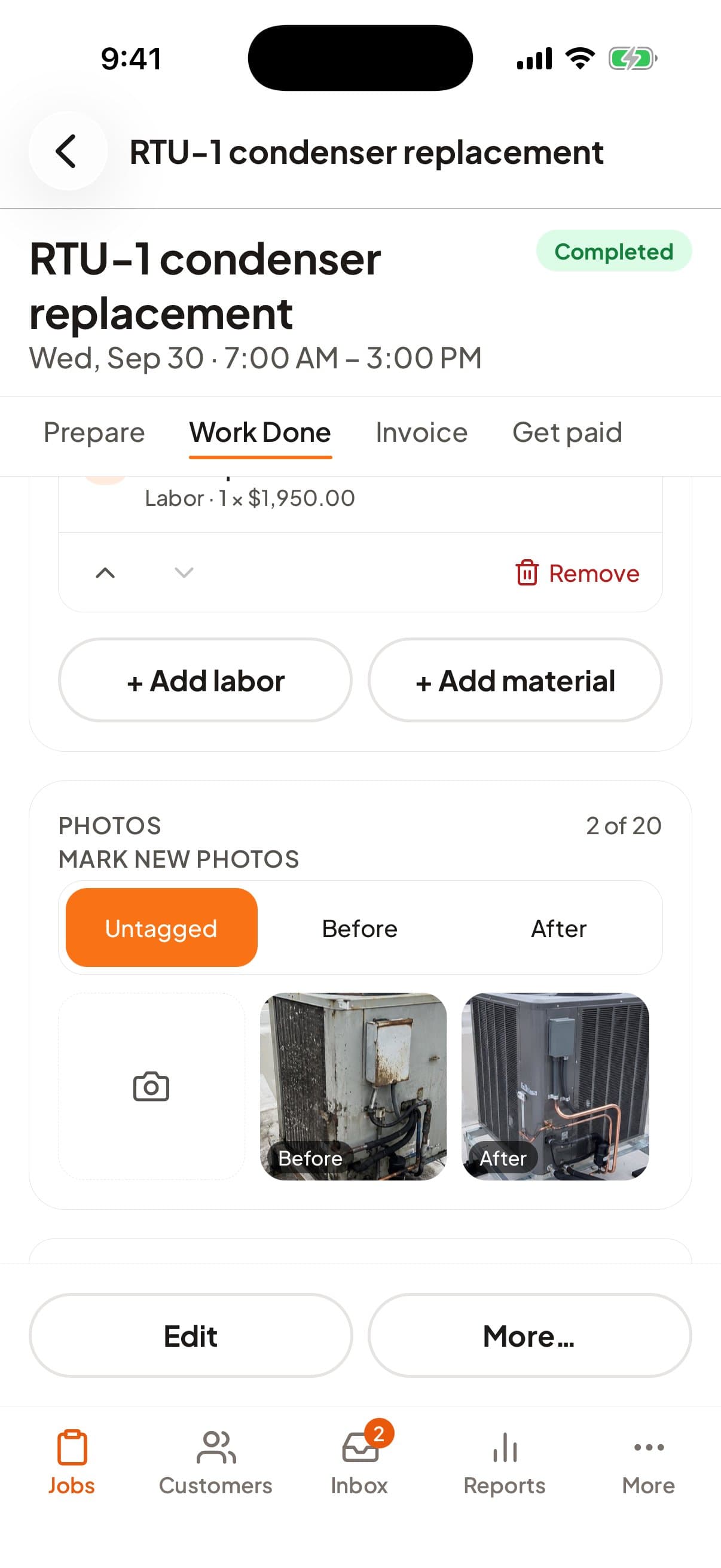
Parts, labor and before-and-after photos on the job itself.
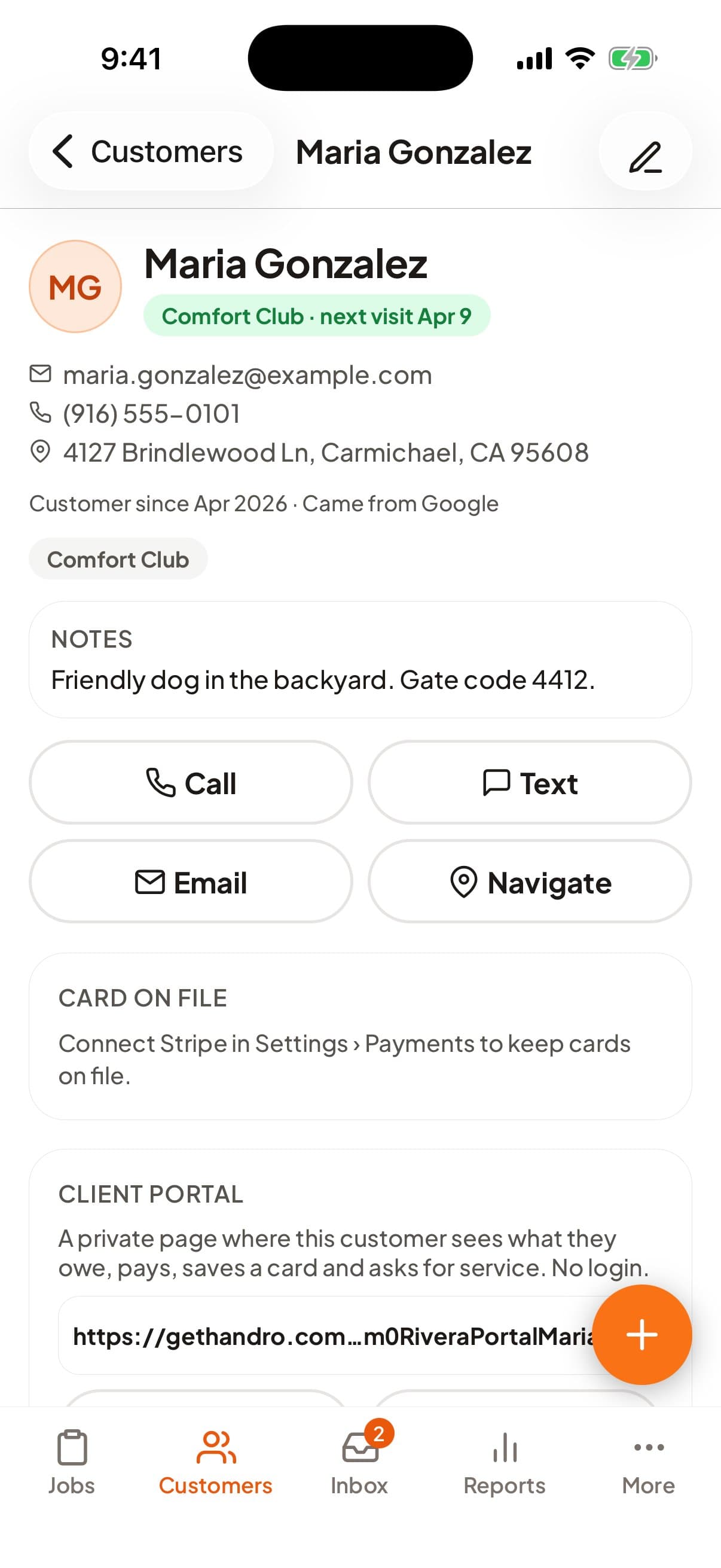
Every customer's jobs, balance and history together.
THE FULL DEMO · 10 MINUTES
Watch a demo
Follow one shop through a day in the app: a quote approved and signed, the job scheduled and done, and the invoice paid.
No card needed to start.
QUESTIONS
Straight answers.
Does Handro track permits and inspections?
No. Handro doesn't track permits or inspection sign-offs. A permit fee can go on an invoice as its own line.
Can I quote a panel upgrade with several options?
Yes. Build several options on one estimate. The customer picks one and signs on their phone, and the approved job is created with that option, ready to schedule.
Does Handro have a price book from my supplier?
No. Handro doesn't pull prices from a supplier's catalog. You enter your own, and the website can start an empty price list with common electrical jobs and parts, names only.
Can I send one monthly invoice to a builder?
No. Handro invoices each job on its own and doesn't produce a combined monthly statement. On Solo and Team, invoices and payments sync to QuickBooks Online if you keep your books there.
Is there free software for a one-person electrical business?
Yes. Handro Starter is free for one person and unlimited jobs, with no card to start. You can build Good, Better and Best estimates the customer approves and signs on their phone, turn the approved estimate into the job and the invoice, add job photos, and take card payments through your own Stripe or Square with zero Handro markup. Texting, customer email, accounting sync, route optimization and the AI tools start on Solo.
What does electrician software cost?
Team is US$49 a month flat for up to 10 people, with every feature on every paid plan. Solo is US$14.99 a month for one person. Starter is free for one person and unlimited jobs, and you can upgrade any time.
Can my whole electrical crew use it?
Yes. Team covers up to 10 people for one flat price, with no per-seat add-ons. Assign each job to the person doing it, everyone sees the day's jobs and who's on each on their phone, the owner sees every job, estimate, invoice and payment in one place, and hours are logged from job clock-in and clock-out.